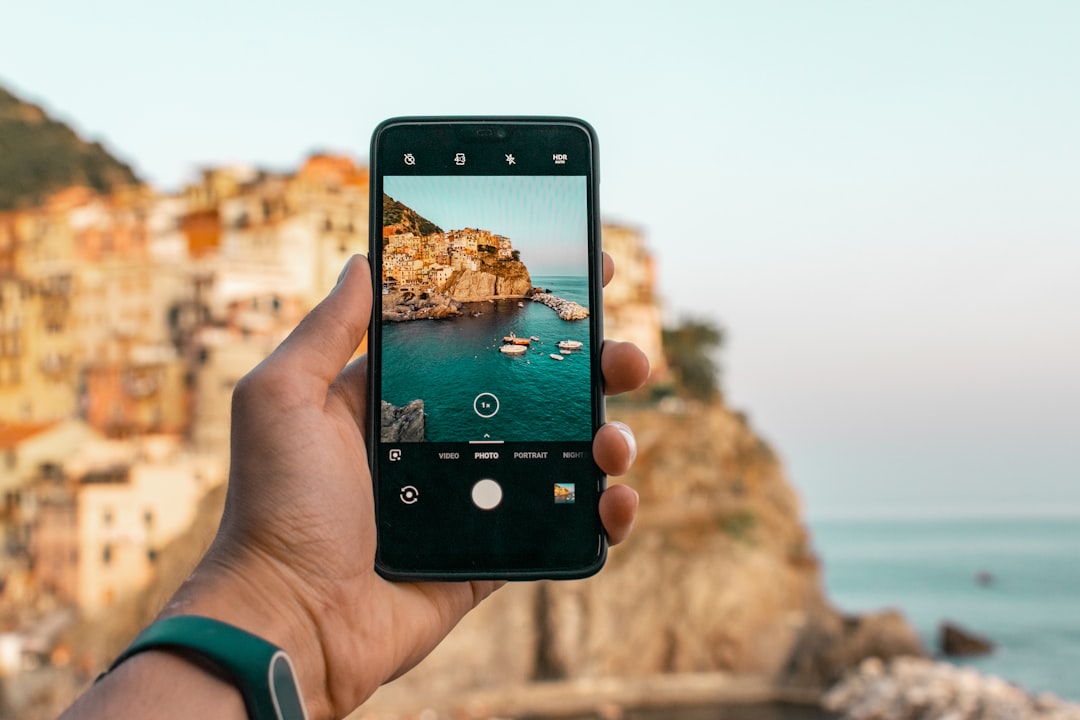
What Are Travel Apps and Why Do People Search for Them?
Travel apps are mobile applications designed to assist with various aspects of trip planning, booking, navigation, and on-the-ground experiences. People search for the best travel apps because they want to reduce stress, avoid costly mistakes, and make the most of their time and money while traveling. From flight trackers to language translators, these tools can simplify logistics that once required multiple websites or guidebooks.
Many travelers look for apps that offer reliable information, user-friendly interfaces, and features that work offline. The goal is often to find a balanced mix of free and paid options that suit different travel styles—whether you are a backpacker, a business traveler, or on a family vacation.
How to Choose the Right Travel Apps for Your Needs
No single app works perfectly for every traveler. Your choice depends on factors like your destination, travel style, and budget. Here are common considerations to keep in mind:
- Destination coverage: Some apps work better in certain regions. For example, navigation apps may have limited offline maps in rural areas. Check availability in your destination before relying on one app.
- Device compatibility: Ensure the app works on your phone’s operating system and does not require excessive storage or battery power.
- Cost structure: Many apps are free with optional premium features. Understand what you get without paying and whether the paid version is worth it for your trip length.
- User reviews: Look at recent reviews from travelers with similar itineraries. Beware of overly positive or negative reviews that seem fake.
- Offline functionality: If you expect limited internet access, prioritize apps that allow you to download maps, guides, or translations in advance.
Requirements may vary by app, and some features may only be available in certain areas. Always check the app’s official description and privacy policy before downloading.
Categories of the Best Travel Apps You Should Know
To make your search easier, think of travel apps in six main categories. Each serves a different purpose, and you may only need one or two from each group.
- Flight and accommodation booking: Apps like Skyscanner, Kayak, and Booking.com help compare prices. Results are not guaranteed to be the lowest, but they provide a good starting point.
- Navigation and maps: Google Maps, Maps.me, and Citymapper offer directions, transit schedules, and offline maps. Coverage and accuracy may vary by location.
- Language and communication: Google Translate, iTranslate, and Duolingo can help you understand signs and basic phrases. Translations may not always be perfect.
- Budget and expense tracking: Apps like Trail Wallet, Splitwise, and Mint help you monitor spending. Currency conversion rates may update with delay.
- Local experiences and dining: TripAdvisor, Yelp, and TheFork provide reviews and recommendations. Opinions are subjective, and availability of restaurants or activities can change.
- Transportation and ridesharing: Uber, Lyft, and local equivalents offer ride-hailing options. Prices and service areas may vary, and surge pricing can apply during peak times.
Experimenting with a few apps before your trip can help you decide which ones fit your routine. Many travelers keep 4–6 apps on their phone and delete others after testing.
Common Mistakes to Avoid When Using Travel Apps
Even the best travel apps can lead to frustration if used incorrectly. Here are common pitfalls to watch for:
- Relying on one source: No app has perfect, real-time information. Always cross-check flight status, opening hours, or directions with a second source, especially in unfamiliar places.
- Ignoring data and battery usage: Some apps drain battery quickly or use large amounts of mobile data. Download offline content and close background apps when not needed.
- Not reading app permissions: Some apps request access to your contacts, location, or photos. Only grant permissions that are necessary for the app’s core function.
- Skipping updates: Outdated apps may have bugs or missing features. Update before your trip to avoid issues with maps or payment systems.
- Forgetting to check cancellation policies: Booking through third-party apps may have different cancellation rules than booking directly. Read the fine print carefully.
Taking a few minutes to review these points can save you from unexpected problems during your travels. Results are not guaranteed, but preparation helps reduce common headaches.
How to Check If an App Is Available and Works for You
Before committing to an app, take these steps to verify its suitability:
- Visit the official app store page: Read the description, version history, and recent reviews. Look for notes about region restrictions or device requirements.
- Check the developer’s website: Some apps have detailed FAQs or support pages that explain eligibility and coverage areas.
- Test basic features offline: If the app offers offline mode, try downloading content while on Wi-Fi and see how it performs without internet.
- Ask fellow travelers or online communities: Reddit forums, Facebook groups, or travel blogs often share honest experiences about which apps work best in specific regions.
Options may vary, and not all features are available in every country. If an app does not meet your needs, there are usually alternatives to explore.
What to Do Next After Choosing Your Travel Apps
Once you have selected a few promising apps, here is a simple action plan:
- Install and set up before departure: Create accounts, enter preferences, and download any offline content while on a stable Wi-Fi connection.
- Organize your home screen: Group travel apps into a folder for quick access during your trip.
- Share your itinerary with someone you trust: Some apps allow you to share trip details or live location with friends or family for safety.
- Test critical functions: Try searching for a flight, viewing a map, or translating a phrase to ensure the app works as expected.
- Have a backup plan: Keep a small notebook or screenshot of key information (hotel address, emergency numbers) in case your phone runs out of battery or loses signal.
Remember that technology is a tool, not a guarantee. Being flexible and prepared will always serve you better than relying solely on any single app.
Frequently Asked Questions
Are free travel apps as good as paid ones?
Many free travel apps offer excellent core features, especially for navigation, language translation, and basic booking. Paid versions often remove ads, add offline capabilities, or provide premium support. Your choice depends on how often you travel and which features matter most to you. Try the free version first to see if it meets your needs.
Can I use travel apps without an internet connection?
Some apps allow you to download maps, guides, or translations for offline use. Examples include Google Maps (offline areas), Maps.me, and Google Translate (offline language packs). However, real-time updates like flight changes or live traffic may not work offline. Download content in advance to avoid surprises.
Which travel apps work best in remote or rural areas?
Coverage varies widely. Apps with strong offline maps, such as Maps.me and Gaia GPS, are popular for remote areas. For communication, consider apps that use SMS or satellite-based features if cell service is unavailable. Always check user reviews from travelers who have visited similar regions.
Do travel apps share my personal data?
Most apps collect some data, such as location, search history, or payment information. Read the privacy policy to understand what is shared. You can often limit data collection in your phone’s settings or use the app without creating an account if possible. Be cautious with apps that request unnecessary permissions.
How many travel apps should I install for one trip?
Most travelers find 4–6 apps sufficient: one for booking, one for maps, one for translation or communication, one for budgeting, and one for local recommendations. Installing too many apps can slow your phone and cause confusion. Test your chosen apps before the trip and delete any you do not use.
Related Searches
- best travel apps for Europe 2025
- free travel apps for flight deals
- offline map apps for travelers
- top rated budget travel apps
- travel apps for solo female travelers
- best apps for finding cheap hotels
- navigation apps for international travel
- language translation apps for tourists